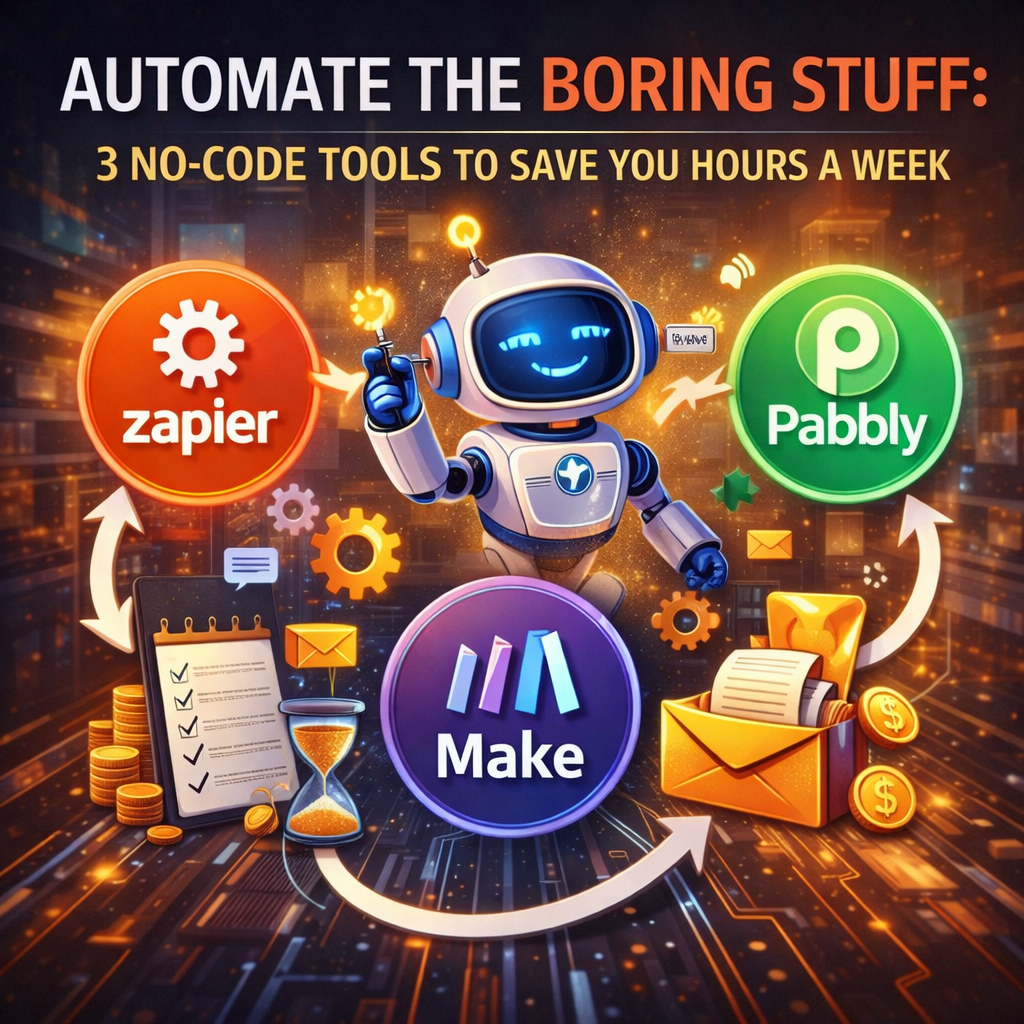
Tired of the endless copy-pasting, data entry, and notification juggling? The era of manual digital drudgery is over. No-code automation tools are the modern professional’s secret weapon, acting as a “digital duct tape” that connects your apps and automates workflows without a single line of code.
Here are three powerhouse tools that can give you back hours every week, each with a distinct superpower.
1. Zapier – The Universal Connector
Best For: Automating tasks between different web apps (e.g., Gmail, Slack, Google Sheets, Trello, Salesforce).
Think of it as: Your reliable, all-purpose robot assistant that works between tools.
How It Saves You Time:
-
The “Zap”: An automated workflow (e.g., “When this happens in App A, then do this in App B”).
-
Classic Time-Saver Zaps:
-
Lead & Inquiry Triage:
When a new row is added to a Google Form → Create a card in Trello/Asana AND send a personalized Slack alert to the sales channel. -
Social Media Cross-Posting:
When you publish a new blog post in WordPress → Auto-share the link with a crafted message on Twitter, LinkedIn, and Facebook. -
Document Backup:
When a new file is starred in Gmail → Save it automatically to a specific Google Drive folder.
-
Pro Tip: Start with their “Zap Templates” — pre-built, one-click automations for the most common tasks. The free plan is generous for getting started.
2. Make (formerly Integromat) – The Visual Powerhouse
Best For: Building complex, multi-step workflows with advanced logic, data routing, and transformations.
Think of it as: A visual programming studio with incredible flexibility.
How It Saves You Time:
-
The “Scenario”: A visual canvas where you connect apps with modules (like building blocks). Its true power is parallel processing and data routers.
-
Classic Time-Saver Scenario:
-
Customer Onboarding:
When a payment is confirmed in Stripe → (1) Add their email to Mailchimp, (2) Create a personalized DocuSign envelope, (3) Post a welcome message in a private Slack channel for them, AND (4) Schedule their first check-in task in ClickUp— all at once, in parallel. -
Data Sync & Cleanup:
Grab new survey responses from Typeform → Filter based on answers (router) → If answer is "A," add to Sheet A; if "B," format data and add to Sheet B AND send a specific email.
-
Pro Tip: Use the “Router” and “Filter” modules to create intelligent “if-this-then-that” logic without code. The visual feedback is instant and satisfying.
3. Bardeen (The AI-Powered Dark Horse)
Best For: Automating repetitive tasks directly in your browser (filling forms, scraping data, managing tabs) with AI help.
Think of it as: A magical shortcut for anything you do manually inside a web browser.
How It Saves You Time:
-
The “Playbook”: One-click automation triggered by a hotkey, schedule, or AI command. It automates actions on websites themselves.
-
Classic Time-Saver Playbooks:
-
Research & Data Extraction: With one click, scrape product details, prices, and reviews from multiple webpages into a neat Google Sheet.
-
CRM Data Entry: Automatically extract a LinkedIn profile or company website details and populate a CRM or Airtable record.
-
Meeting Scheduling: Auto-find times on your calendar, open the booking page, and fill in all client details from your CRM.
-
Pro Tip: Use their “Magical” AI to create automations by simply describing the task in plain English (e.g., “Save this LinkedIn profile to my Airtable base”). It’s eerily effective.
How to Get Started This Week (Action Plan)
-
Audit Your “Boring Stuff”: For 2 days, note every repetitive digital task you do (e.g., “I manually download that report every Monday,” “I copy info from emails to a spreadsheet”).
-
Match the Tool to the Task:
-
App-to-App Workflow? → Try Zapier.
-
Complex, Multi-Step Process? → Try Make.
-
Browser-Based Repetition? → Try Bardeen.
-
-
Start with One “Win”: Pick your most annoying, 10-minute daily task. Build or find a template to automate it. The immediate time saved is your motivation fuel.
-
Scale Gradually: Once your first automation runs smoothly, tackle the next item on your list.
The Golden Rule of Automation
“If you have to do it more than twice, automate it once.”
These tools represent a fundamental shift: your time is your most valuable asset. By investing a few hours in setting up these automations, you buy back countless hours in the future, free yourself from mind-numbing tasks, and dramatically reduce human error.
Stop being the duct tape in your own workflow. Build the system, and go do the work that only a human can do.
Leave a Reply